Kettlebell training · iPhone and Apple Watch
Real iron.
Coach in your ear.
A voice coach counts, cues and checks in while you train, so you watch the bell, not the screen.
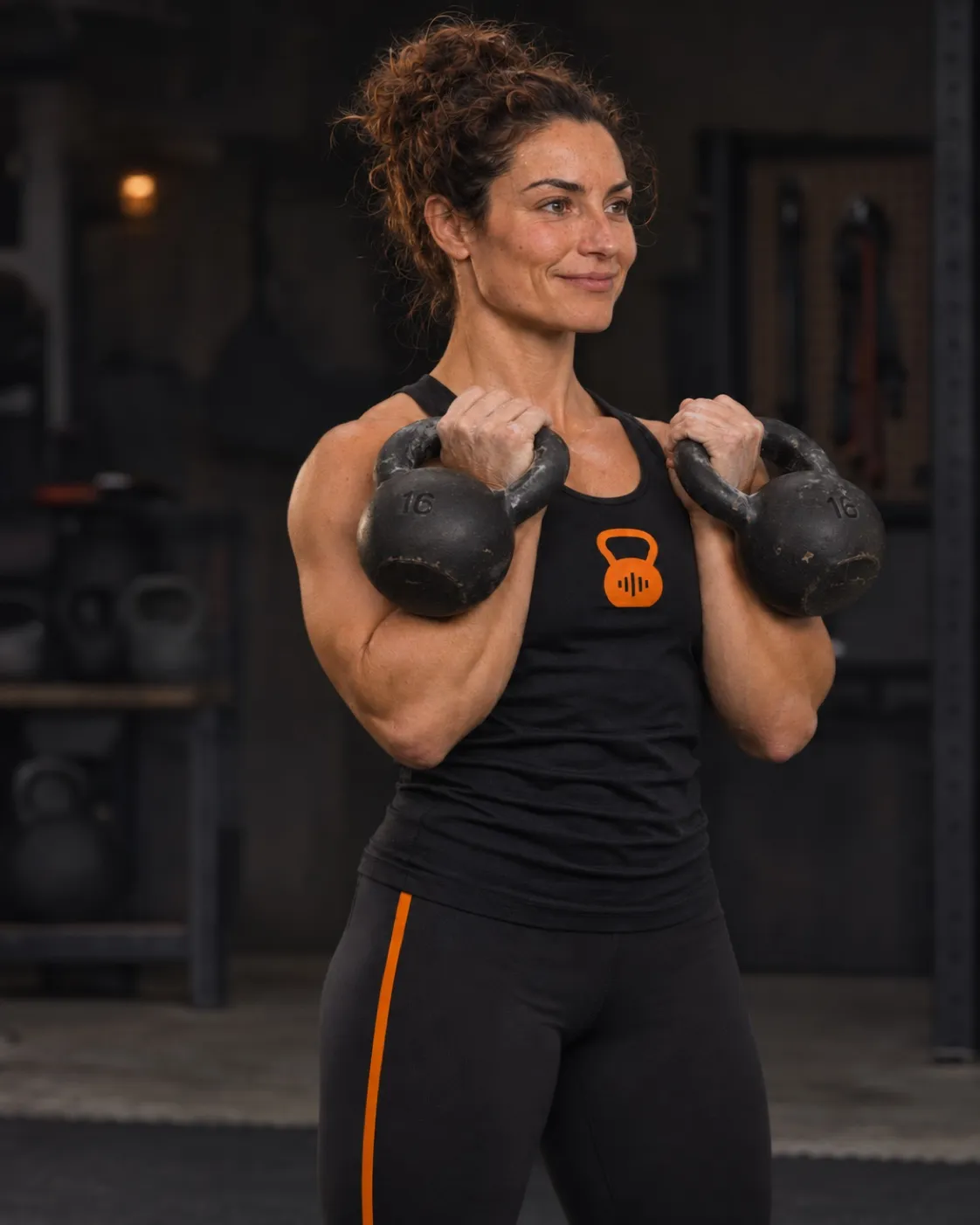
Tired of your kettlebell app?
The three things other apps get wrong
Apple Watch and Health, built in
Start a session from your wrist. Heart rate and calories land in Apple Health with every workout.
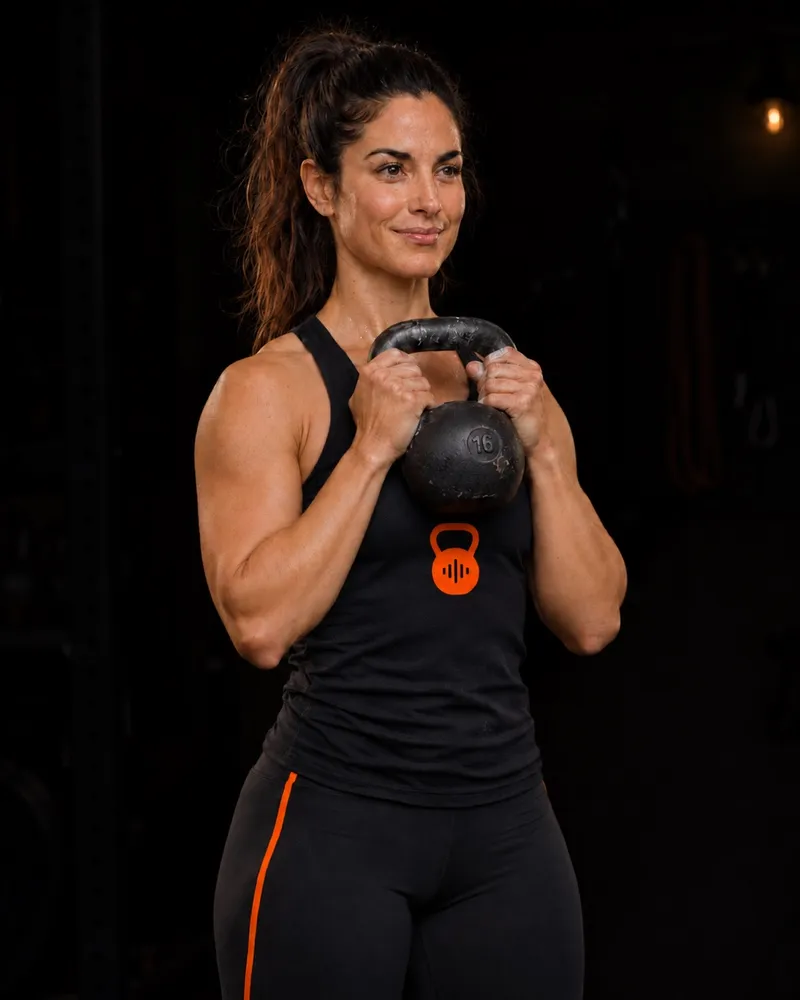
Your music keeps playing
Keep Spotify or Apple Music on. The coach speaks over it and gets out of the way.
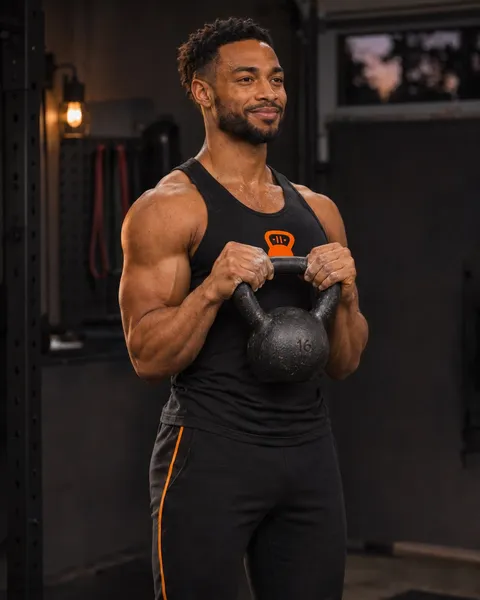
A coach that actually coaches
It counts you in, calls the switch, cues the next move and asks how it felt. You answer out loud.
Big screen
Read the timer from across the room
Mirror the session to your TV with AirPlay. Big numbers, the next move, and the coach on your speakers.
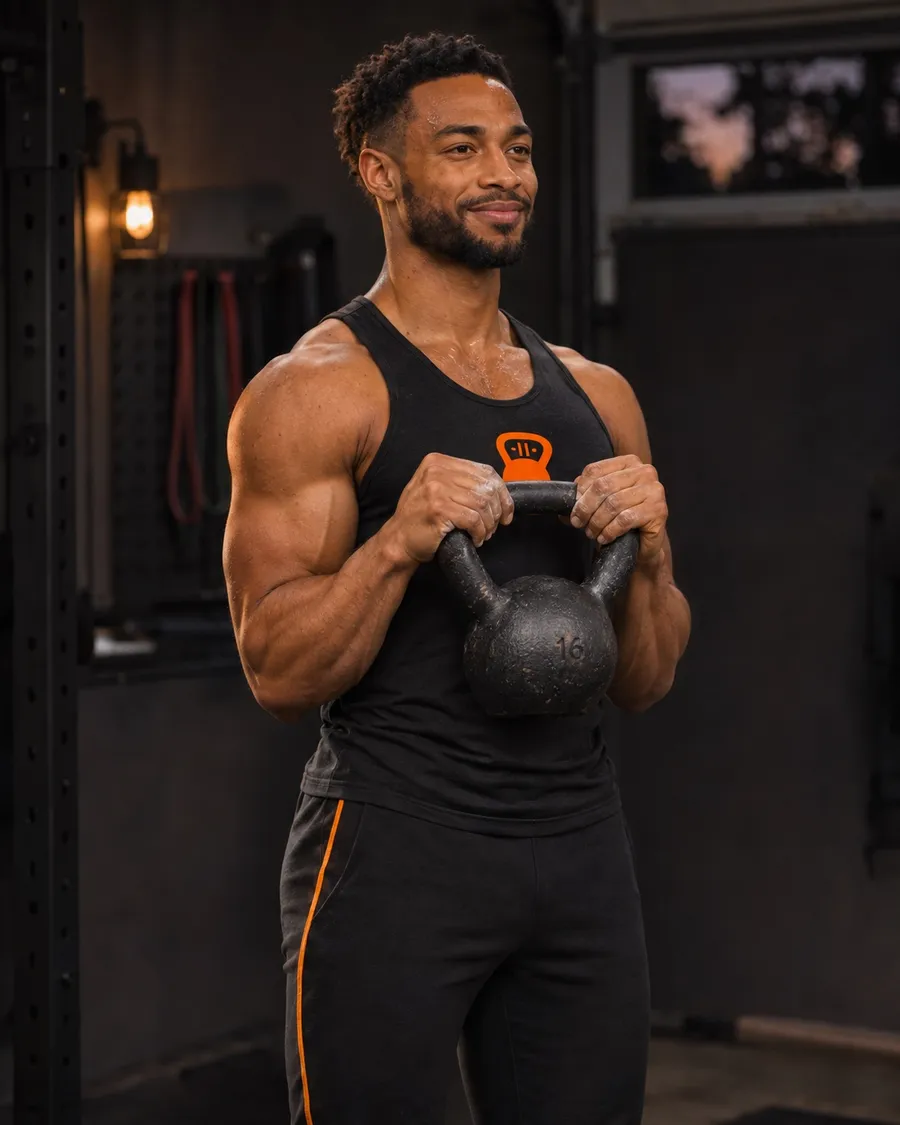
Three steps to your first rep
- 01
Tell it your bells
Pick the weights you own and your level. One bell is enough.
- 02
Press start
Today's session is picked for you: 10 to 45 minutes, balanced across the week.
- 03
Train with the coach
It runs the clock and the cues, then logs the session to your progress.
Technique first
Earn the swing before you program it
These lifts stay locked until you finish their clinic.
- SwingClinic first
- CleanClinic first
- SnatchClinic first
- Get-upClinic first
- WindmillClinic first
- JerkClinic first
Start here
Follow along in the app. Share it with one link.
Questions
- Is one kettlebell enough?
- Yes. Sessions are built around the bells you say you own.
- What weight should I start with?
- Most people start around 8 to 12 kg (women) or 12 to 16 kg (men). The app adjusts from there.
- Do I need an Apple Watch?
- No. Your iPhone is enough. A Watch adds heart rate and starting from your wrist.
- Does the coach record me?
- No audio or transcripts are stored. You can read exactly what we keep in the privacy policy.